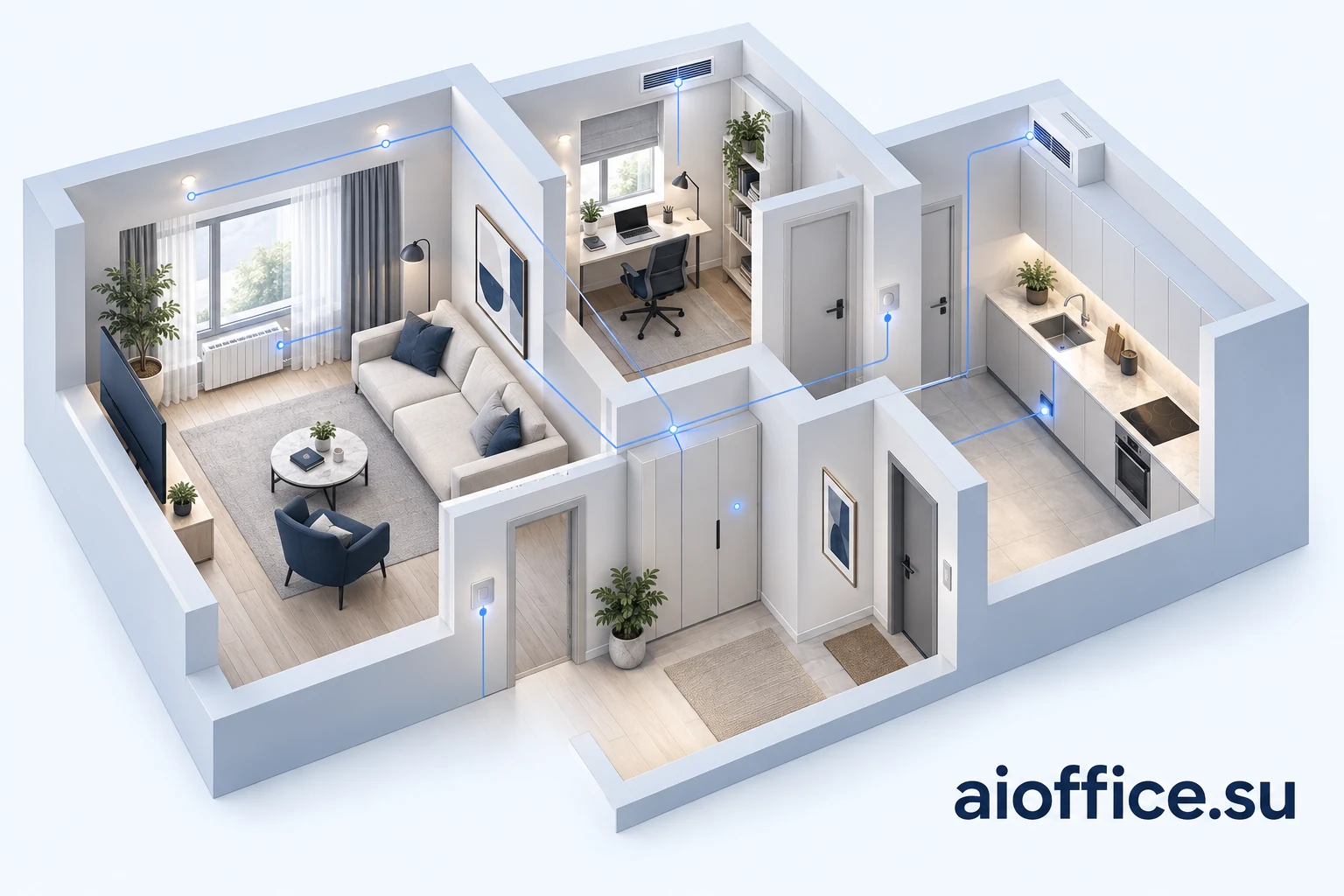
The renovation is finished: lights respond to a phone, blinds follow a schedule and an attractive control panel hangs on the wall. A year later, someone needs to replace the router, move a partition or bring in a new technician. Where is the project file? How do the lights work if the controller stops? Who can explain the heating settings?
These questions reveal more about a smart home than the number of connected devices. Apartments, houses and offices are physical properties with engineering systems, maintenance needs and people using them. Automation should be designed alongside electrical, water and climate systems, then handed over as understandable, serviceable infrastructure.
What a smart home means as an engineering system
Good automation helps a building maintain agreed conditions: lighting, temperature, ventilation and equipment operating modes. It gives occupants understandable controls and technicians a way to locate faults and restore service.
Describe the outcome through the property's behaviour. A corridor needs gentle lighting at night. An unused room follows an agreed climate mode. When water is detected, the system performs the specified response and reports the event. Each scenario needs conditions, exceptions and a manual control method.
The quality of a smart home becomes clear in everyday use, during a fault and when another owner or technician takes over.
Apartments, houses and offices have different control boundaries
An apartment shares building systems. Automation inside the unit does not confer authority over communal heating, ventilation or risers. Before selecting equipment, establish which components belong to the apartment and which changes require coordination with building management.
A detached house usually has a wider scope: its own heating, pumps, water treatment, technical rooms and outdoor lighting. Extended absence, seasonal modes and maintenance access become particularly important. Functions depend on the property's actual engineering systems.
Here, an office is a physical space that needs light, air, heat, access and maintenance. Priorities include zoning, occupancy schedules, coordination with building services and handover when the tenant changes.
| Property | Design considerations | Operating priorities |
|---|---|---|
| Apartment | Shared building systems, finishes and equipment access | Clear buttons, agreed modes and local event response |
| Detached house | Own engineering systems, technical rooms and seasonal use | Extended absence, designed redundancy and maintenance |
| Office premises | Usage zones, tenancy restrictions and building-service interfaces | Schedules, maintenance access and handover to the next user |
What to decide before finishing work begins
The most valuable design stage is when routes, equipment positions and service access can still be coordinated. For construction or major renovation, align the architectural plan, electrical installation, climate systems and automation before buying devices.
Mark lighting circuits, buttons, sensors, blind actuators, climate equipment and potential leak locations on the plan. Sensor placement should suit what it needs to measure, rather than simply fit a convenient spot on a wall.
Provide space for the technical cabinet, power, cable routes and network equipment. Allow spare capacity based on expected development. Reaching a module, valve or connection should not require dismantling finished furniture or ceilings.
The electrician, climate specialist and integrator need to agree equipment control methods early. An air conditioner's own app does not establish that it supports the required integration. Check specific models and functions.
Assign responsibility at each interface: power supply, actuator installation, control connection and joint testing. Otherwise, devices that work individually may fail to perform the intended combined scenario.
When the property is already finished
Existing finishes change the installation method, but do not remove the need for design. Survey wiring, boxes, distribution boards, networking and available equipment interfaces. Identify functions that can be added without opening the structure and those requiring separate work.
KNX Association discusses wired infrastructure for new construction and KNX RF for upgrading existing homes. This illustrates how wired and wireless options can suit different property conditions. KNX Association · Making your home smart without having to renovate ↗
Wireless devices still need power, dependable communication and maintenance. Battery-powered sensors need a replacement routine, while radio coverage needs checking with the actual doors, furniture and equipment in place. Suitability is established at the property.
Three layers: engineering, automation and interfaces
The first layer is the engineering equipment and its designed protection. Electrical protective devices, built-in heating controls and specialised safety systems retain their functions. An ordinary app routine must not replace them.
The second layer is automatic control: reading measurements, executing rules, sending commands and checking states. Basic local scenarios should have an explicit requirement to operate without an external service where that is needed. Establish which functions depend on a central controller and which run within individual devices.
The third layer comprises buttons, panels, apps and, where useful, voice control. People need to understand everyday actions, mode changes and how to stop an inconvenient routine. A “manual control” label is insufficient: a button whose command travels only through a failed server is not an independent fallback.
A compatibility protocol does not replace the design
Equipment selection may involve KNX, Matter, Zigbee or other technologies. For each intended scenario, verify commands, states, gateway requirements and controller replacement options.
The Connectivity Standards Alliance describes Matter as a local connectivity technology. Matter-only devices need an internet-connected controller for control from outside the home. Manufacturers may also retain their own apps with additional features. Connectivity Standards Alliance · Matter FAQ ↗
A shared logo does not establish that every required function will be available across a chosen combination. Before procurement, list compatible models, versions and functions. Check feedback too: whether the command succeeded, the device's state and the age of its reported data.
Lighting and climate without conflicting routines
A few understandable lighting modes are more useful than dozens of combinations only the installer remembers. Everyday controls should remain accessible to guests, children and people without the app. Presence detection should account for people sitting still as well as walking through a room.
Coordinate heating, cooling, ventilation and shading so that separate systems do not work against each other without control. Define measured parameters, permitted modes and the priority of manual changes. Automation cannot correct insufficient capacity or poorly designed ventilation.
CO₂ measurements can help assess ventilation in certain circumstances, but do not describe overall air quality. ASHRAE specifically notes that CO₂ concentration is not a universal indicator of other pollutants. One sensor does not replace ventilation design and verification. ASHRAE · Position Document on Indoor Carbon Dioxide (2025) ↗
Water alerts: the response must happen at the property
Leak protection illustrates the difference between a notification and an automatic response. A phone message helps someone learn about an event. Limiting its consequences requires suitable sensors, actuators and a defined response sequence.
Agree detection points, isolation boundaries, manual access and failure behaviour with the water-system specialist. Domestic water, heating and other systems should not be indiscriminately combined under one shutdown rule. The design must reflect the actual engineering arrangement.
Commissioning checks the intended chain: detection, local response, actuator state, signalling and recovery once the cause is resolved. A “close” command and confirmation of the actual state are different pieces of information. A notification should not create false confidence that the problem has been eliminated.
Operation without internet or power
An internet outage, local-network failure, controller stoppage and power cut are four different conditions. A local system may continue without an external connection, while still depending on its power supply and network equipment.
Create a short property-specific matrix: which functions remain, what people can control, which notifications are unavailable and how normal operation returns. Define power-restoration behaviour separately so equipment does not restart in an unexpected mode.
Size backup power around the selected loads and required duration. A UPS for the controller and network does not automatically support pumps, heating or the entire building. Qualified specialists handle installation and testing within the agreed design.
What commissioning should verify
A phone demonstration is insufficient. Acceptance should establish that agreed scenarios, manual controls and specified failure responses work. The responsible specialist organises checks affecting power, water or equipment protection, and the owner receives the results.
| Check | Establish | Owner receives |
|---|---|---|
| Core scenarios | Response in each agreed zone and manual mode changes | Scenario list and test results |
| Internet unavailable | Which local functions remain and which notifications are lost | External dependency list |
| Network or controller unavailable | Actual operation of the designed fallback controls | Clear instructions for each condition |
| Power returns | Agreed mode recovery under the specialist test plan | Test result and backup-power limitations |
| Sensor and actuator | Event detection, response, feedback and recovery | End-to-end test record |
| Recovery and seasonal functions | Configuration after restoration; deferred seasonal test plan | Recovery package, outstanding issues, dates and responsibilities |
Documentation belongs to the property
The owner needs a handover package that lets another technician understand the installation. Include as-built diagrams and labels, the equipment inventory, scenario descriptions, configuration versions, normal and fault-response instructions, maintenance requirements and recovery procedures.
Arrange administrative access and necessary licences so the property does not depend on an installer's personal account. Maintenance access should be separate and revocable. Agree the remote connection method and access removal; Home Assistant documentation, for example, discusses protected remote access through a VPN. Home Assistant · Securing your installation ↗
A backup is useful only when it can be restored. Home Assistant requires the key from its emergency kit to restore an encrypted backup. This is a concrete example of why handover needs more than a file: the owner needs a clear procedure for retaining the means of recovery. Home Assistant · Backups and restoring a backup ↗
Operation continues after installation
The maintenance plan should cover sensors and actuators according to manufacturer instructions, power and networking, backups and access reviews. “No recent data” must remain distinct from a normal reading: a silent sensor does not establish that nothing is wrong.
Record configuration changes with their date and purpose. Before an update, check compatibility, create the prescribed backup and define rollback. Repeat relevant checks afterwards, and revisit zones and routines after alterations to the property.
Operating costs include maintenance, consumables, applicable licences and equipment replacement. Assess resource savings through measurements that account for weather and how the premises are used. An unsupported universal savings percentage does not help select a dependable system.
Where AI can help and how to start the service
AI can provide an additional interface to documentation and permitted property data: finding an instruction, explaining a recorded event or preparing questions for a technician. These functions require their own integration and verification. Freely generated text should not set critical equipment modes or replace built-in protections.
A smart-home service starts with surveying the property, agreeing scenarios and engineering boundaries, preparing the design, completing the selected work and handing over a maintainable system. Stages, responsibilities and support terms are defined before implementation. An app does not automatically provide round-the-clock monitoring.
A discussion with AI Office can start with the apartment, house or office plan, its construction or renovation stage, and the engineering equipment already selected. Describe an ordinary day, an extended absence and a fault condition. This provides a basis for defining automation scope and the specialist work required.
A smart property remains convenient when it can be understood, maintained and restored. That outcome belongs in the project from the beginning.