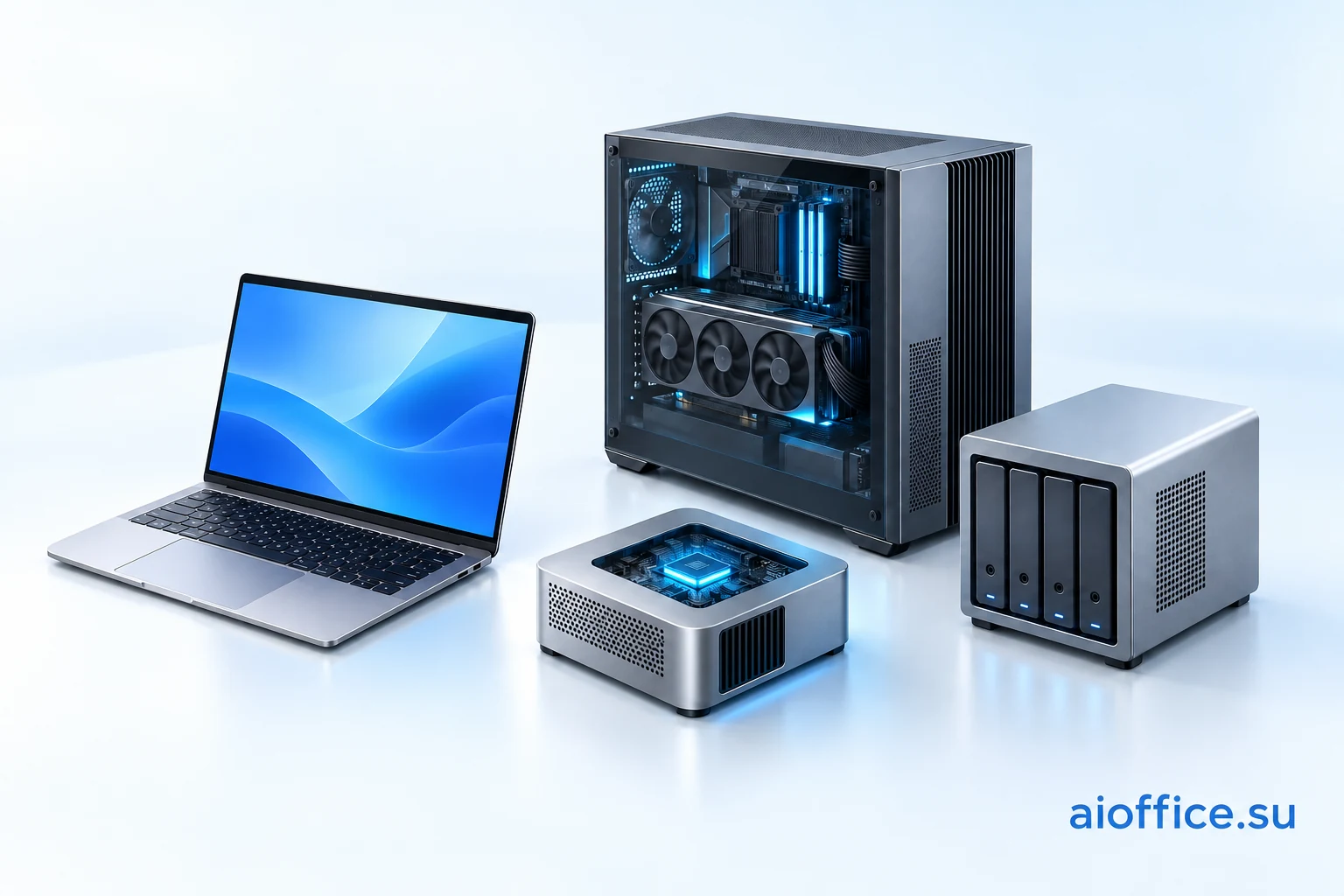
Not long ago, owning an AI system suggested a server room, noisy racks and a separate computing budget. Today, large models are moving into laptops, mini PCs, compact workstations and even network storage. It is tempting to buy the machine with the biggest memory number and call the problem solved.
A company needs an outcome: find a contract condition, prepare a proposal, review a project or turn a meeting recording into useful working material. Different tasks can justify different equipment.
This guide was prompted by the supplied transcript of Droider's “AI PC — your own AI at home! Explained” video. We checked hardware and model details against primary sources on October 10, 2026. It is a practical selection guide; it does not report hardware benchmarks performed by AI Office. Droider: AI PC — Your Own AI at Home! Explained (video; supplied transcript) ↗
An AI PC label does not choose your model
An AI PC can mean an ordinary laptop with a neural processing unit, a desktop with a powerful discrete GPU, or a system with a large shared memory pool. These are different ways to run computations.
An NPU helps with features that an application supports on it. Its presence does not mean an arbitrary language model can use it. The model, file format and application must support that execution path.
Four factors matter for local AI: available memory, processing speed, software compatibility and operating pattern. A personal assistant on a site visit and a shared departmental service have different requirements, even if they use the same model.
Follow “workflow → model → runtime → device”. Hardware specifications then become meaningful.
Memory, parameters and speed are different things
Weights are the model's stored parameters. Their ideal size at a uniform precision is parameter count × bits per parameter ÷ 8. At four bits, 27 billion parameters yield 13.5 GB and 80 billion yield 40 GB. These are our arithmetic illustrations, not actual file sizes or computer requirements. GB here means decimal gigabytes.
A real deployment also needs metadata, working buffers, context state, the operating system and applications. Some tensors may use another precision. Quantization reduces the representation size, but its effect on answer quality needs testing on your own work.
Mixture-of-experts models activate only part of their experts at each step. Qwen3-Coder-Next has 80 billion total parameters and about 3 billion active; DeepSeek V4 Flash has 284 billion total and about 13 billion active. The other weights do not disappear. Sizing DeepSeek's memory as though it were a 13-billion-parameter model is incorrect. Qwen3-Coder-Next: official architecture and intended use ↗ DeepSeek: official V4 Flash architecture and model card ↗
Shared CPU/GPU memory helps accommodate larger models. It does not make every mini PC the fastest system: bandwidth, compute units, the runtime and request length still matter. Loading a model and using it comfortably are separate tests.
Seven device formats and their trade-offs
The comparison describes equipment classes. The usable model range depends on the exact configuration; the same computer name can cover several memory capacities.
| Format | Useful for | Advantage | Limitation |
|---|---|---|---|
| Ordinary laptop / NPU-equipped AI PC | Personal drafts and short tasks | Start with existing equipment | The model may use CPU/GPU rather than NPU; sleep, battery and heat |
| Desktop with a discrete GPU | Images, coding and models within VRAM | Component choice and supported-stack acceleration | VRAM ceiling, power and cooling |
| Mac mini / Mac Studio | Personal assistant or dedicated macOS station | Large shared memory in higher configurations | Choose memory at purchase; adapt CUDA-only software |
| Ryzen AI Max compact / mobile system | Larger quantized models on x86 | Shared pool, Windows or Linux | Verify runtime, driver and GPU-accessible memory |
| DGX Spark / RTX Spark device | Development; mobile work with RTX Spark | Shared memory and NVIDIA tools | Different operating systems and Arm; evidence does not transfer automatically |
| AI NAS | Archives and a shared service beside documents | Continuously connected storage node | Shared resources; verify permissions, backups and firmware |
| Cluster / multi-GPU server | Models too large for one accelerator | Distribute large weights | Networking, distribution support, administration and failures |
An ordinary laptop: start with equipment you already have
For short-text classification, extracting a few fields or preparing drafts, first evaluate a compact model on an existing computer. A complex cluster may add little value to this pilot.
A laptop keeps the assistant close to its user, including during travel. Its limits include available memory, cooling, battery use and competition with other applications. Slow CPU execution can be acceptable for an occasional task but unsuitable for a long queue.
It is not always a good shared server. Its owner may close the lid, leave the office or launch a demanding application. When a team needs continuous service, availability becomes a separate selection criterion.
A NVIDIA desktop: performance within the VRAM budget
A discrete GPU keeps working data in its own video memory. The RTX 5090, for example, has 32 GB of GDDR7. A computer's large system RAM does not automatically become equally fast GPU memory. NVIDIA · GeForce RTX 5090 specifications ↗
Consider this format for models that fit the GPU, image generation and development with NVIDIA-oriented tools. A desktop lets you choose cooling and replace individual components.
Trade-offs include space, power, load-related noise and the VRAM ceiling. CPU offloading can enable a larger model but changes speed. Two graphics cards also need a runtime that distributes the workload appropriately: their memory is not automatically pooled for every application.
Apple Mac: a large shared pool in a compact computer
Mac mini and Mac Studio are relevant when the company's workflow can use macOS. Apple announced up to 512 GB of unified memory for Mac Studio with M5 Ultra. However, that configuration is scheduled for late October; it should not be treated as an already available shipment on our verification date. Apple: Mac Studio with M5 Max and M5 Ultra; 512 GB availability ↗
MLX LM is one option for running language models on Apple silicon. Multimodal work needs a runtime supporting the relevant inputs; a text-only execution path does not automatically enable image processing. MLX LM: language models on Apple silicon ↗
The advantage is allocating a substantial shared pool to a model without assembling several GPUs. Limitations include platform compatibility and selecting memory at purchase; ordinary RAM upgrades afterwards are not provided. A CUDA-only tool needs a different execution path.
AMD Ryzen AI Max: substantial memory with familiar x86
The video discusses a 128 GB Framework Desktop with Ryzen AI Max+ 395. The current manufacturer page also describes Ryzen AI Max+ PRO 495 configurations with up to 192 GB in a 4.5-litre chassis. AMD states that the new family can allocate up to 160 GB to graphics. This platform ceiling must still be checked against a particular device and its settings. Framework Desktop: Ryzen AI Max+ PRO 495 and memory configurations ↗ AMD: Ryzen AI Max PRO 400 family specifications and graphics allocation ↗
The appeal is a large memory pool and conventional x86 for Windows or Linux. A computer can combine everyday work with a local model, with the approach appearing in compact and mobile formats.
Software compatibility is the main question. For ROCm, check the GPU/APU, stack version, driver and operating system against the current matrix. Success with a Linux guide does not establish the same deployment on Windows. A Ryzen AI label alone guarantees neither sufficient memory nor support for your runtime. AMD: ROCm compatibility matrix for hardware and operating systems (10.1 at verification) ↗
DGX Spark and RTX Spark: related ideas, different roles
DGX Spark is NVIDIA's compact AI system with an Arm CPU, Blackwell GPU and 128 GB of shared memory. Its documentation lists 273 GB/s bandwidth. It is an option for model development and deployment in a supported environment, not a promise of identical speed across all workloads. NVIDIA: DGX Spark hardware and memory specifications ↗
RTX Spark brings a large shared pool to Windows on Arm devices; NVIDIA lists up to 128 GB. It should not be assessed as a conventional x86 laptop with a separate GeForce. Application, library and model compatibility must be established specifically for Windows on Arm. NVIDIA Windows on Arm Porting Guide: RTX Spark system overview ↗
The advantage is substantial memory and NVIDIA tooling in a small device. Constraints include the operating system, Arm dependencies, available builds and the cost of the complete configuration. DGX Spark is not a laptop; a DGX demonstration does not automatically transfer to RTX Spark.
AI NAS: placing the assistant beside the archive
Network storage can host documents and a separate AI service that employees access from lightweight devices. For example, MINISFORUM N5 MAX offers Ryzen AI Max+ 395, up to 128 GB of shared memory, five HDD bays, five SSD bays and two 10GbE connections. Its advertised capacity of up to 200 TB refers to storage drives. MINISFORUM: N5 MAX AI NAS memory, storage and network specifications ↗
Archive terabytes do not replace model-memory gigabytes. A NAS can hold many files, but a language model normally receives retrieved, authorized passages rather than the entire archive at once.
The advantage is a continuously connected node beside the data. Disadvantages include maintenance, competition between indexing and requests, and combining important roles in one device. RAID can tolerate some disk failures; it does not replace a separate backup and a tested recovery process.
A built-in NAS assistant and a corporate knowledge system have different readiness requirements. A pilot should check document formats, access permissions, index updates and the features of the installed firmware. Buying storage does not automatically integrate AI Office.
A cluster: larger models bring greater complexity
AMD published a Kimi K2.5 deployment using four Framework Desktop nodes, each with Ryzen AI Max+ 395 and 128 GB: Ubuntu, llama.cpp RPC and 5 Gbps Ethernet. The example specifies a 375 GB quantized model. This is the manufacturer's reproducible setup, not a result measured by us. AMD: four-node Framework Desktop cluster running Kimi K2.5 ↗
The approach distributes weights between nodes. Four computers do not become one ordinary GPU: the runtime must support distribution, communication and failure handling.
Networking adds latency and one failure can interrupt the operation. A business should consider a cluster after showing that a larger model's quality justifies these costs. For many short requests, several independent instances of a smaller model may be more useful than one huge model. That also needs measurement.
Models to evaluate, from short text to complex analysis
The table offers pilot candidates rather than a guaranteed quality ranking. Fix the checkpoint, quantization, runtime and evaluation workflow first. Then compare Russian-language answers where relevant, evidence handling and total task time.
Qwen3.5-4B and 9B offer compact starting points. Qwen3.8-27B is a subsequent candidate for more involved text and visual tasks when the runtime supports the required modality. This suggested pilot progression follows the models' intended capabilities; it does not demonstrate performance on your company's documents. Qwen3.5-4B: official model card ↗ Qwen3.5-9B: official model card ↗ Qwen3.8-27B: official model card ↗
OpenAI's Ollama guide recommends at least 16 GB of VRAM or unified memory for gpt-oss-20b and at least 60 GB for gpt-oss-120b. These are MXFP4 model guidelines, not a promise that a computer with that total memory can support any request length or multiple users. The family model card also requires the correct harmony conversation format. OpenAI: running gpt-oss locally with Ollama and memory guidance ↗ OpenAI: gpt-oss family model card and harmony requirement ↗
| Workflow | Model | Memory guide | What to evaluate |
|---|---|---|---|
| Short text, classification and field extraction | Qwen3.5-4B / 9B | Ideal Q4 weights: 2 / 4.5 GB; actual execution needs more | Compact starting point; test complex analysis and long documents separately |
| Document answers, analysis and visual questions | Qwen3.8-27B | Ideal Q4 weights: 13.5 GB plus metadata and working memory | PC or station with headroom; multimodal input depends on the runtime |
| Text reasoning and bounded tools | gpt-oss-20b | OpenAI guide: ≥16 GB VRAM / unified memory with MXFP4 | Relevant languages, harmony format and context headroom |
| Code, fixes and developer action sequences | Qwen3-Coder-Next | 80B total; ideal Q4 weights: 40 GB before overhead | Large station / supported GPUs; permissions, tests and code execution |
| More demanding text reasoning | gpt-oss-120b | OpenAI guide: ≥60 GB VRAM / unified memory with MXFP4 | Station with headroom; completion latency and concurrent requests |
| Complex coding and multi-step analysis | DeepSeek V4 Flash 0731 | DwarfStar Q2: about 81 GiB; author's starting point: 96/128 GB systems | Exact format and runtime; quality after heavy quantization |
| Large research and agent workflows | Kimi K2.5 | AMD example: 375 GB for one quantized version | Large node / cluster; complexity cost and value versus smaller models |
| Meeting transcripts; semantic retrieval | Whisper large-v3; Qwen3-Embedding-0.6B | Separate specialist models; budget each component | Speech and retrieval are separate stages, not features of the chat model |
| Illustration drafts and image editing | FLUX.2 klein 4B | Developer card: around 13 GB VRAM; deployment conditions matter | Product and text accuracy; the complete image pipeline and licence |
For DeepSeek V4 Flash 0731, DwarfStar's documentation describes a roughly 81 GiB Q2 version as a starting point for 96/128 GB systems. GiB uses binary units. This is the runtime author's guidance for a specific format, not a universal installation recipe for every AI PC. DwarfStar: model formats and Flash 0731 Q2 memory guidance ↗
Kimi K2.5 has about one trillion total parameters and 32 billion active. It is therefore a demanding local candidate, requiring a suitable large node or model distribution. Its scale should not be confused with DeepSeek V4 Flash; labels such as Flash or MoE do not imply identical requirements. Moonshot AI: Kimi K2.5 official model card and architecture ↗
Whisper large-v3 is a separate candidate for meeting transcription; Qwen3-Embedding-0.6B provides representations for semantic retrieval. Neither replaces the conversational LLM. FLUX.2 klein 4B combines image generation and editing and is released under Apache 2.0. Other variants in the family can have different terms. OpenAI · Whisper large-v3 model card ↗ Qwen: Qwen3-Embedding-0.6B official model card ↗ Black Forest Labs: FLUX.2 klein 4B capabilities and Apache 2.0 release ↗
What a company can gain
Imagine a project firm. A travelling engineer needs an assistant for a selected project folder: mobility and prepared data matter. Sales needs a shared catalogue and a knowledge base of conditions: station availability and request queues matter more. A developer needs code analysis: evaluate a coding model and its tools. These are illustrative pilot scenarios, not reports of completed deployments.
One largest model does not need to do everything. A compact classifier can route incoming texts, a larger LLM can prepare an explanation, and a retrieval component can find evidence. Software calculates amounts; a person approves consequential actions.
Before buying equipment, collect a small set of real tasks: common requests, long documents, ambiguous conditions and cases where “insufficient data” is correct. Assess factual accuracy, corrections, time to the first response, completion time, parallel load and recovery after failure.
A closed environment also requires end-to-end verification. A local model does not prevent external folder synchronization, cloud chat history or data transfer through an agent's tool. Connections, document permissions, logs and backups need deliberate control.
How this connects to AI Office
AI Office connects a model to a workflow: documents, permission-aware retrieval, verifiable calculations, approval and local tasks. Equipment can therefore be selected for a specific load, while models are compared within the same process.
The prototype supports text PDFs, DOCX, TXT and Markdown, versioned sources and retrieval from authorized material. OCR is not included yet. Excel/CSV catalogues support verifiable RUB quote calculations and DOCX/PDF export; approval of a version creates one local task. Mail, CRM and accounting systems are not automatically connected.
Demo mode, Ollama and a compatible HTTP provider are available as a foundation for connecting a local model server. Operation on the devices listed here, NAS or cluster integration and specific model quality require separate testing. Hardware compatibility is not presented as a completed deployment.
We can review a company's workflow, prepare permitted data and pilot criteria, and then compare a laptop, compact station and server. The right AI device is the one that completes the required work with acceptable quality, speed and manageable operation.